Real performance also depends on the drive, enclosure controller, host interface, cable, file system, cooling, and the game engine's access pattern.
What Does an SSD Improve?
Shorter loading times
Launching a title, loading a save, fast travel, and large scene transitions can require many asset reads. Lower storage latency can reduce waiting when a game requests textures, audio, shaders, and world data.
Microsoft describes DirectStorage as a feature intended to help games use high-speed devices such as NVMe SSDs for many small reads with reduced CPU overhead. The benefit still depends on game support and the rest of the system.
Faster local update operations
Internet and server speeds determine download time, but unpacking, patching, and verification use local storage. An SSD can accelerate the storage portion without removing processor or software bottlenecks.
Active and portable libraries
Frequently played games, the operating system, and launchers receive the most value from fast storage. SSDs are also convenient for portable use, but power loss, controller faults, connector damage, and file-system errors can still cause data loss.
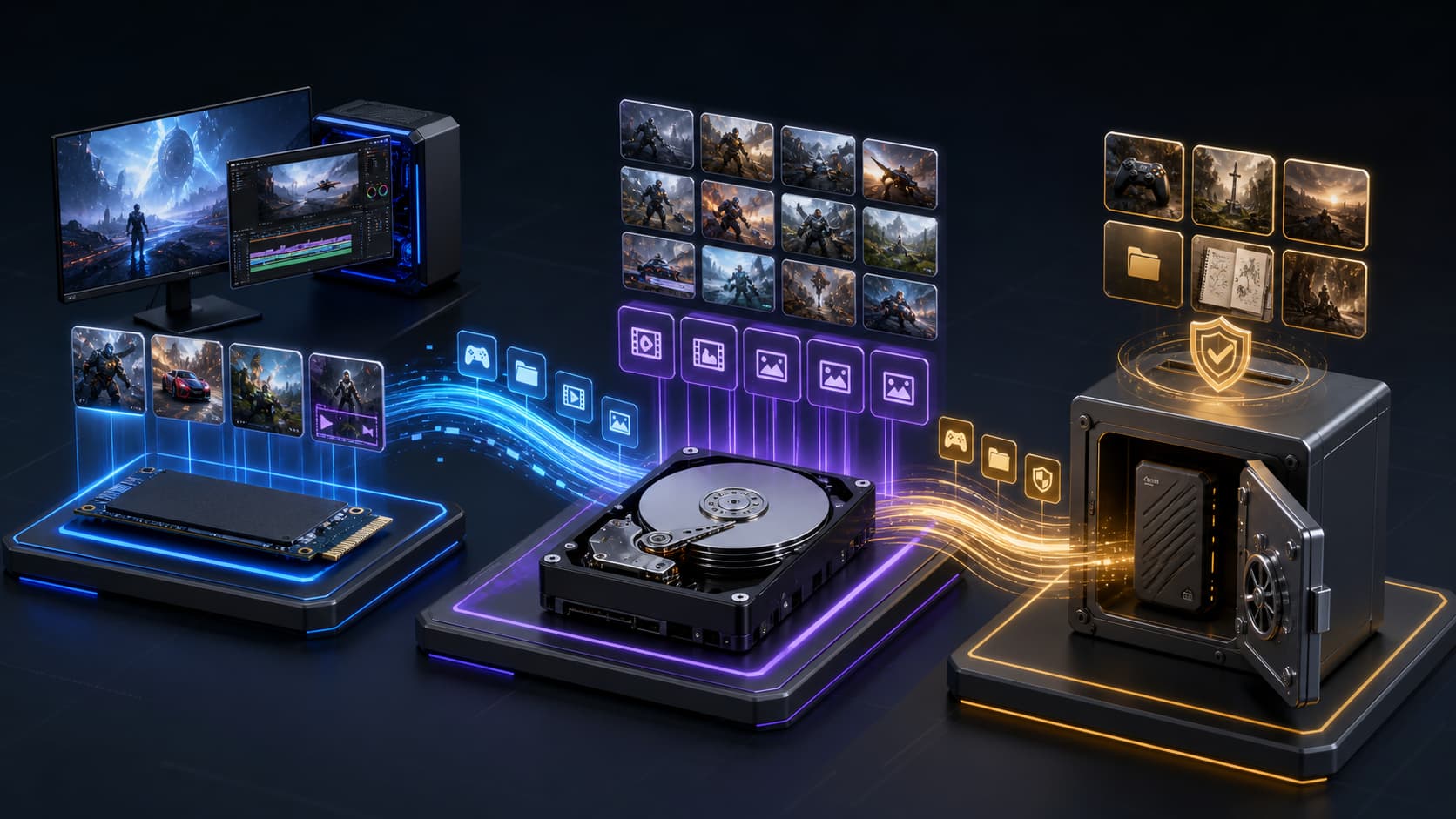
Why Does an HDD Still Make Sense?
For a large collection of games, recordings, streams, or mods, capacity may matter more than the shortest loading time. An HDD can hold inactive games, installation files, recordings, screenshots, and completed projects. Where supported, games can later be transferred to an SSD.
An HDD can also serve as an archive tier, but long-term storage is not guaranteed preservation. Important saves and original content require a separate backup.
Does an SSD Increase Frame Rate?
Moving a game from an HDD to an SSD usually changes loading times more than average frame rate. Frame rate is more directly affected by the graphics processor, CPU, memory, settings, and thermal conditions.
Games that stream assets during play can show delayed textures or brief interruptions when storage is too slow. An SSD can improve storage-related responsiveness, but it does not replace a graphics or processor upgrade.
A Hybrid Storage Setup
| Performance tier |
Capacity tier |
Backup tier |
| Operating system and launchers |
Inactive games |
Personal save files |
| Frequently played games |
Historical recordings |
Original media |
| Current editing projects |
Completed projects |
Irreplaceable files |
Composite Scenario: Organizing a Large Library
This scenario is illustrative and is not a customer testimonial, product review, or measured benchmark.
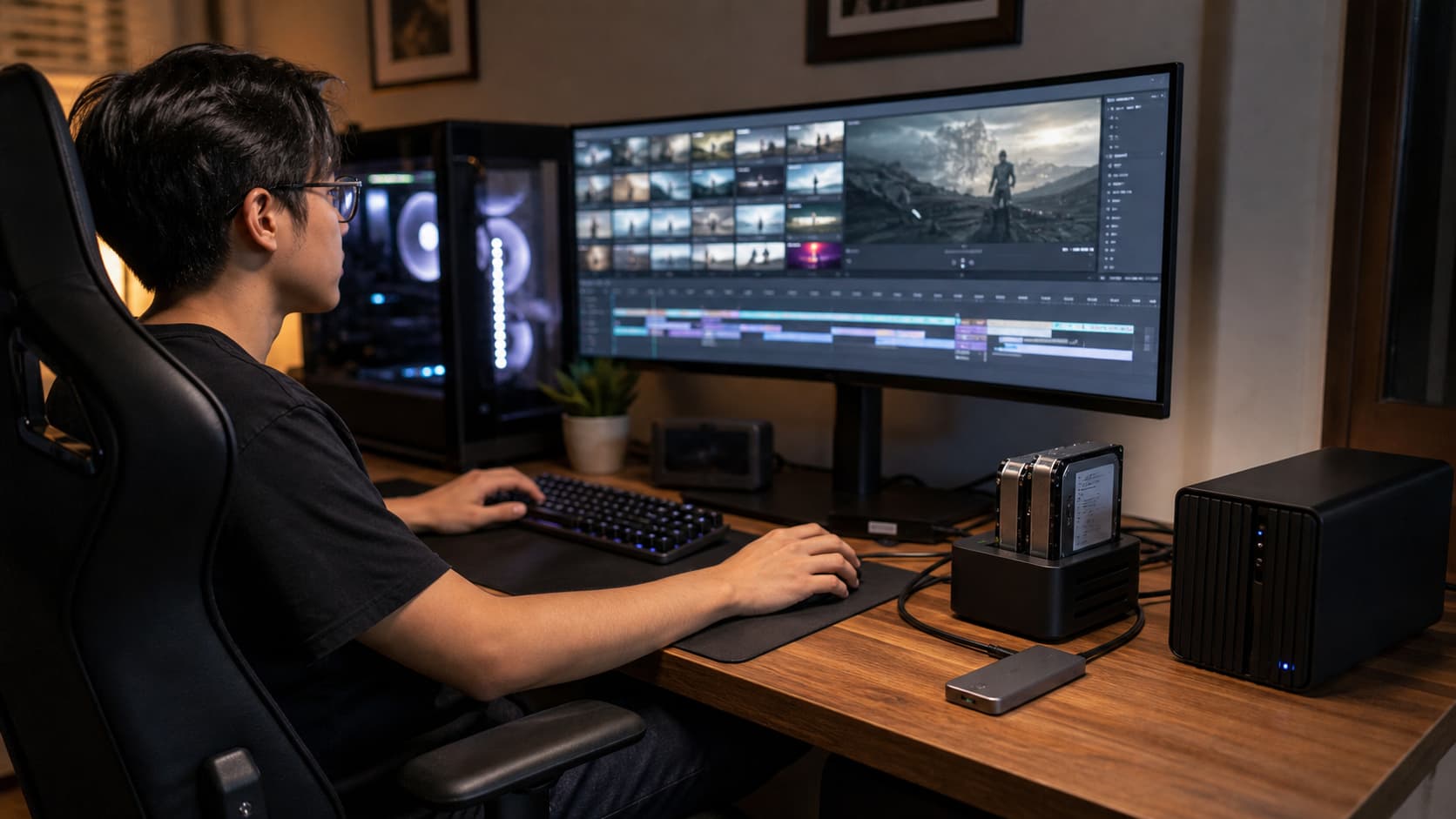
A player uses one computer for gaming, livestreaming, and video editing. Active games and recordings fill the internal SSD. After reorganizing, the operating system, streaming tools, and active games remain on the internal SSD; inactive games and original recordings move to a high-capacity external HDD; footage being edited is copied to a fast external SSD and returned to capacity storage after completion. Saves and irreplaceable media are backed up separately.
What Should You Check with an External Enclosure?
1. USB Type-C does not specify one speed
USB Type-C describes a connector. The connection normally runs at the lowest mutually supported capability among the host, enclosure, drive, and cable.
2. Interface rate is not file-transfer speed
Protocol overhead, file type, cache, controller behavior, drive condition, and temperature influence sustained performance.
3. NVMe SSDs need thermal management
Sustained activity creates heat, and a drive may reduce performance when temperatures rise. Consider enclosure materials, thermal-pad contact, and airflow.
4. HDDs need stable power and placement
Avoid movement and significant vibration during operation. Some larger drives require a dedicated power adapter.
5. Platform rules vary
Gaming systems can impose requirements on file systems, capacity, interfaces, and whether games may run directly from external storage.
Which Storage Type Fits Your Needs?
Choose an SSD if you:
· Want shorter game and level loading
· Frequently install or update large titles
· Keep a focused library of active games
· Need portable storage
· Edit gameplay recordings
Choose an HDD if you:
· Maintain a large game or media library
· Prioritize cost per unit of capacity
· Store games that are not played regularly
· Keep recordings and archive files
· Can accept longer loading and transfer times
Frequently Asked Questions
Can games run from an external SSD?
Often yes when the host, operating system, and gaming platform allow it. Performance depends on the port, cable, enclosure, SSD, cooling, and workload.
Is an external HDD suitable for gaming?
It can be economical for older or infrequently played games, while storage-intensive titles may load better from an SSD.
Is one external drive a backup?
No. If a file exists only on that drive, it remains the only copy. Important saves and original media need another independent copy.
Conclusion
SSDs and HDDs do not need to compete for the same role. An SSD suits the operating system, active games, and performance-sensitive work. An HDD remains useful for large libraries, recordings, and archive data. The host, enclosure, drive, cable, cooling, and platform rules all contribute to the final experience.
About PURPLELEC
PURPLELEC develops connectivity and storage-expansion hardware, including SSD/HDD enclosures, docking solutions, USB hubs, and related computer accessories. OEM and ODM development is available for qualified projects.










